


A photo editor for Firefox
With the large amount of images that we store on our computer it's inevitable to install an editor to carry out certain enhancements. Many of these pics are taken straight from the Internet, so why not edit them directly on your browser? If you use Firefox, you can make use of Picnik, an online image editor that has its own add-on and that offers you graphic editing tools without leaving Firefox and therefore without any need to open a desktop software application.
Import images to Picnik very easily.
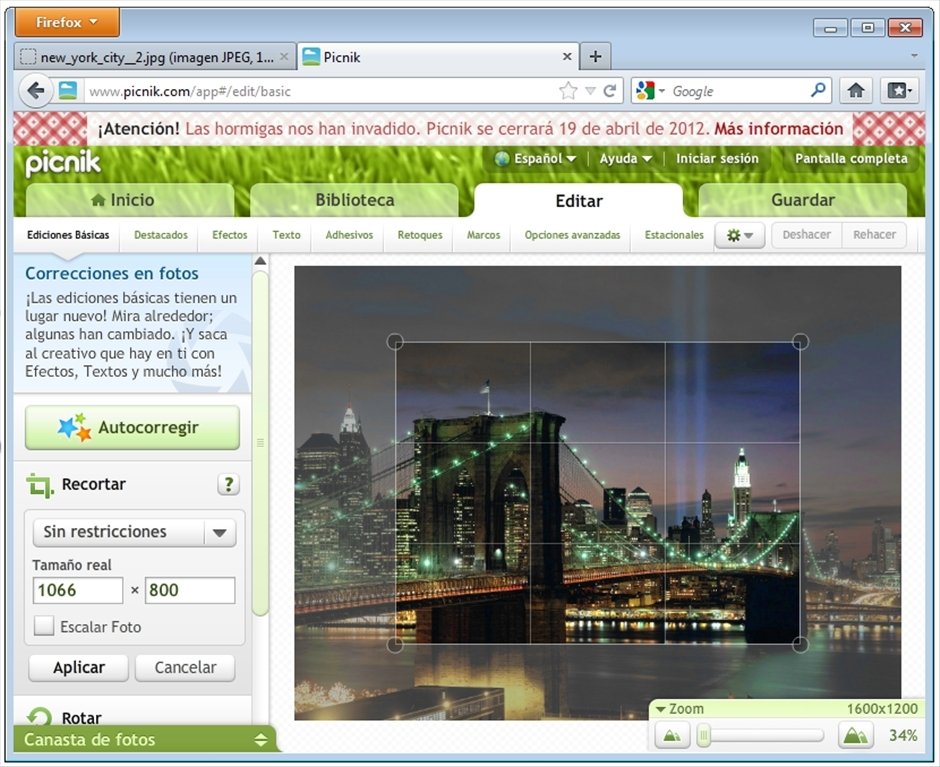
Picnik will allow you to enhance digital photos from your browser in a simple and entertaining manner. You'll have access to all kinds of tools, and handling it will be so easy that any user will be capable of improving their photos without any need for advanced photography knowledge, and they will even have the possibility to create a free collage with all of them thanks to Picnik.
Features
- Online photo and image editor integrated into Firefox.
- Import files from your own collection or use the URL where they are hosted. You can also use files that you have on your Picasa, Flickr or PhotoBucket account.
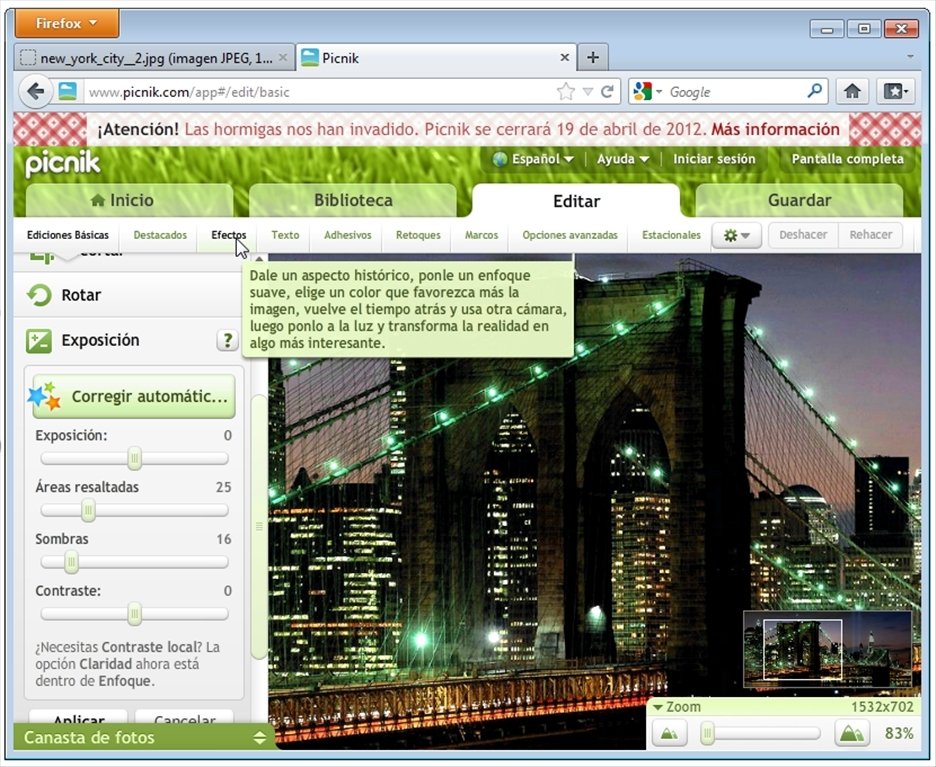
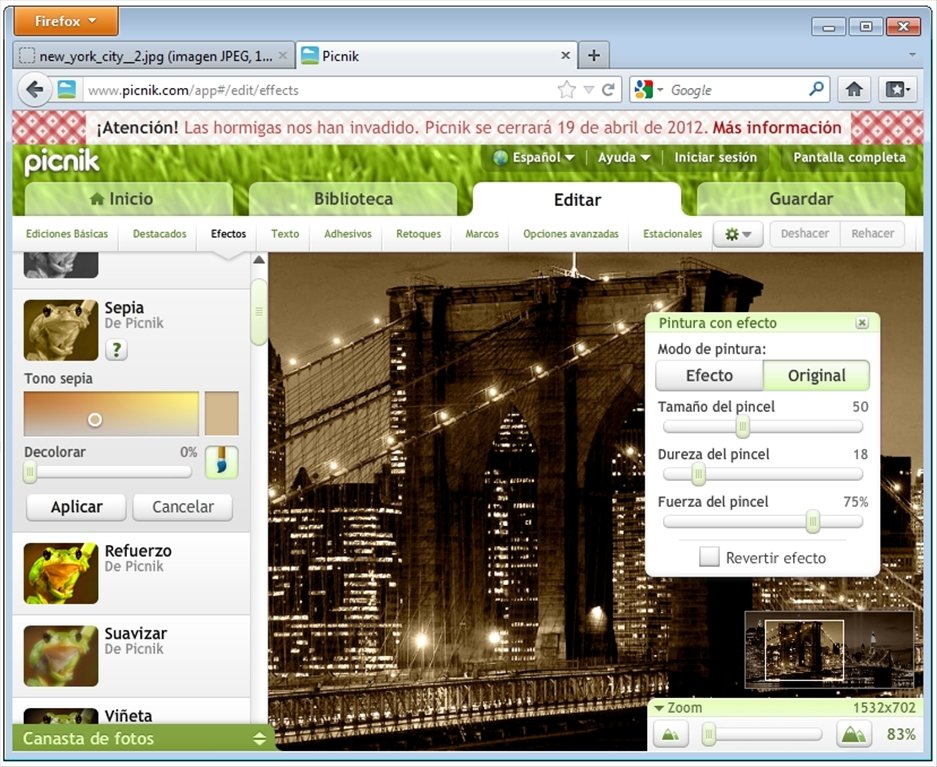
- Use a wide palette of tools and effects to modify photos: resize, rotate and flip photos, correct tones, lighting, brightness and focus, red eyes, photo filters...
- Work with layers.
- Wide range of templates and preset settings available.
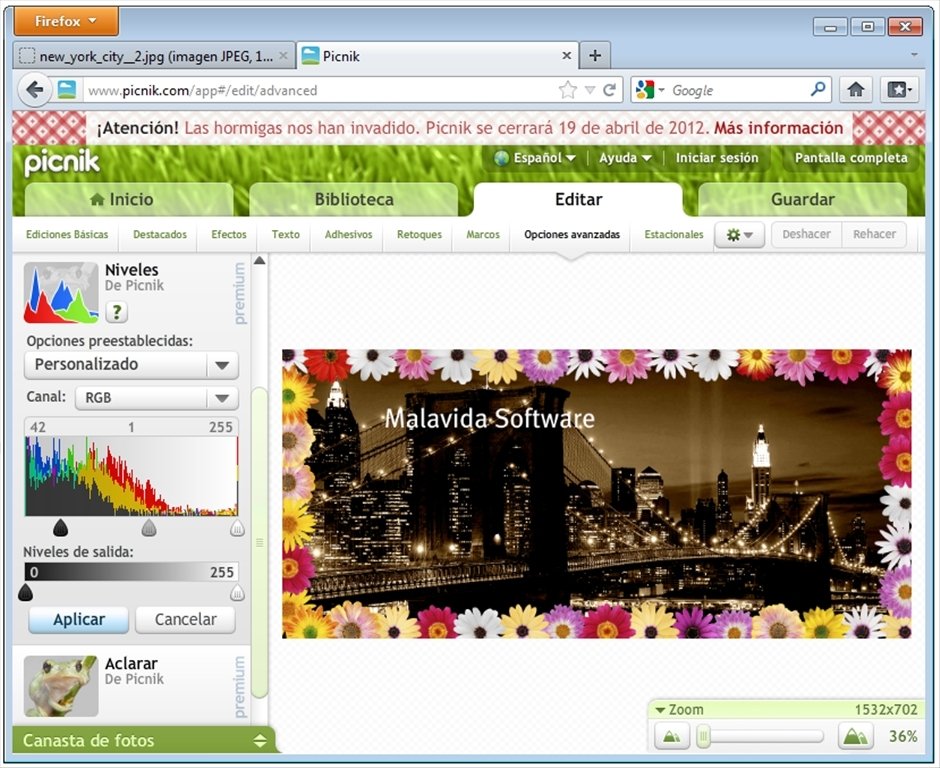
- Create photo collages.
- Add texts and frames.
- Take screenshots.
Enhancing photos from your web browser
Picnik is known for its web platform to edit photos, but thanks to this add-on for Mozilla Firefox you won't even need to visit the web: access all the functions straight from your browser.
Do you need a higher performance? Sign up for free on this service and you will have access to new features. And if you want more, create a Premium account and improve an almost perfect product.
Download Picnik for free, the ultimate online image editor.
Requirements and additional information:
- Some of the functions are limited to the Premium version.
 Héctor Hernández
As a technology journalist with over 12 years of experience in the world of software and apps, I have had the opportunity to try all kinds of devices and operating systems over the years. I have done from software or mobile applications reviews...

Antony Peel